

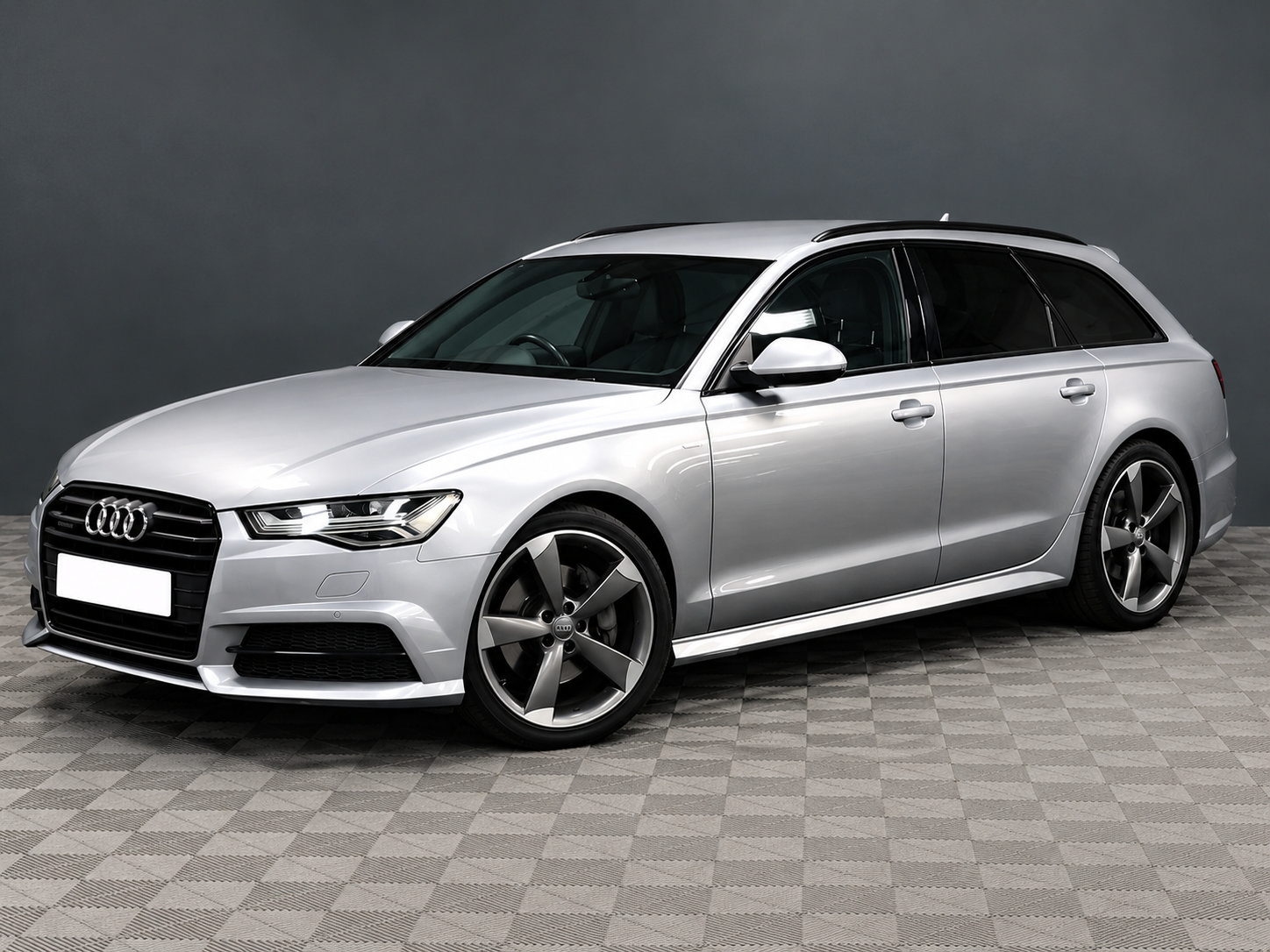
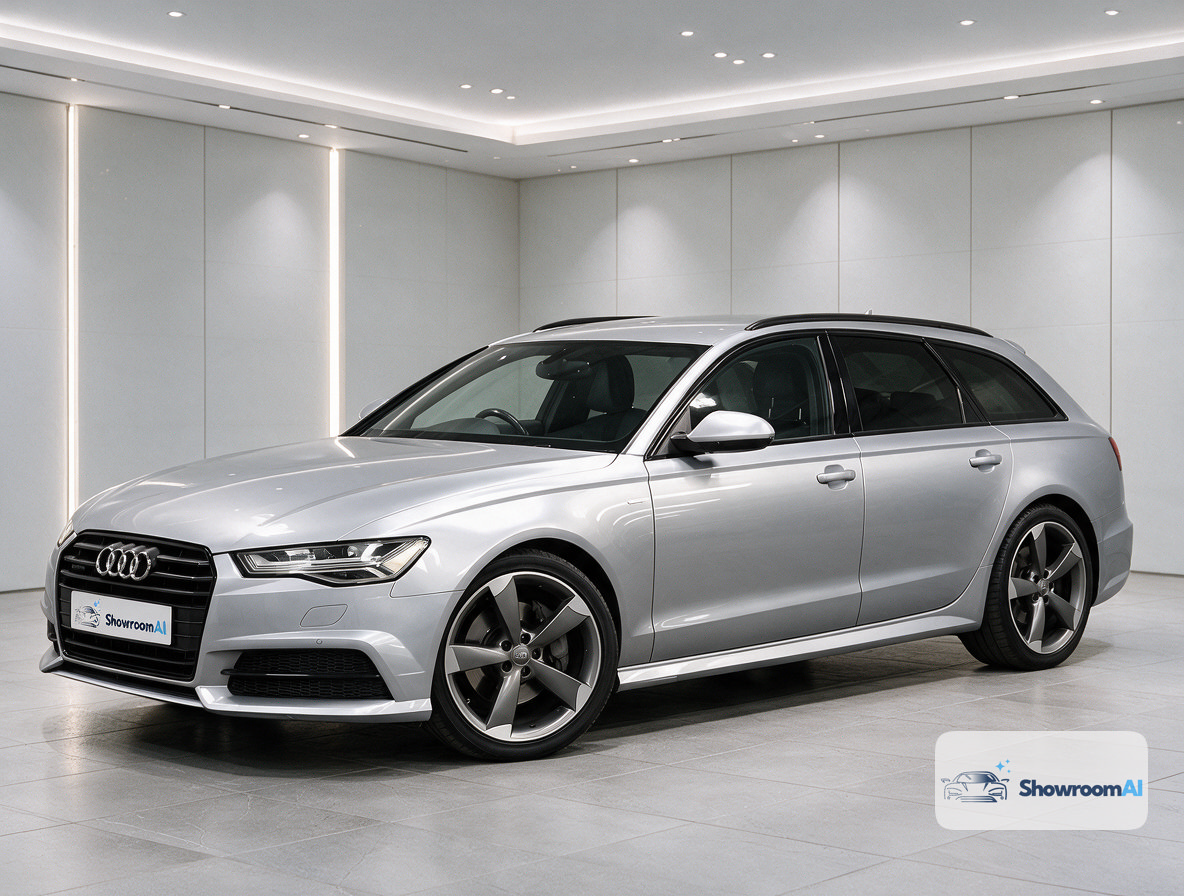
ShowroomAI fits around the way your team already photographs cars. Here's what it does and how it keeps every image true to the vehicle.
Every image is made from your photo with clear instructions: keep the bodywork, colour, wheels, badges and number plate as they are, and keep the angle and framing you chose. Only the background, floor and lighting change, so buyers see the real car.
If one isn't quite right, generate it again. You can add a note for that photo, such as "keep the headlights on", and it's used every time that photo is regenerated.
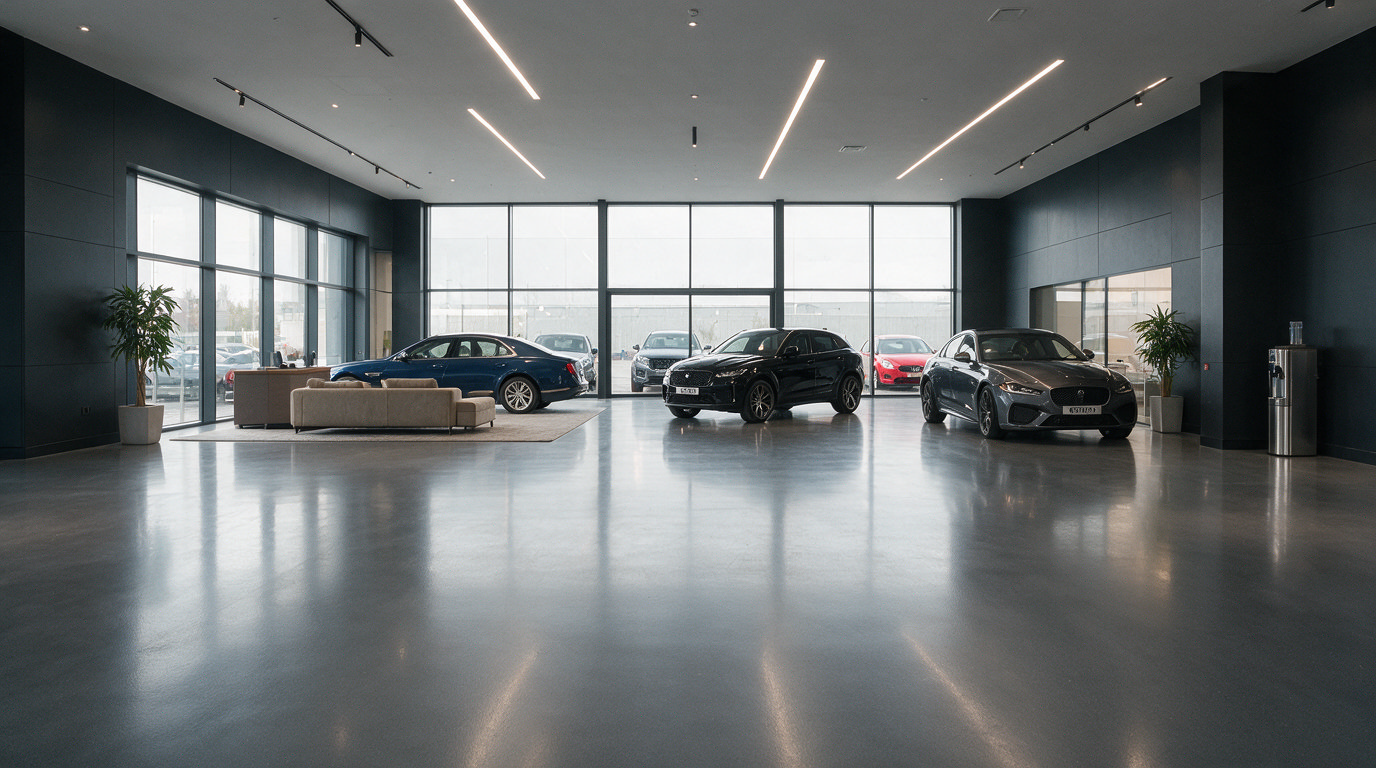
Upload a photo of your own showroom, or have ShowroomAI generate one, with any special requirements you have. That backdrop is then used for every car, so your website and portal listings look as though every vehicle was photographed in the same place.
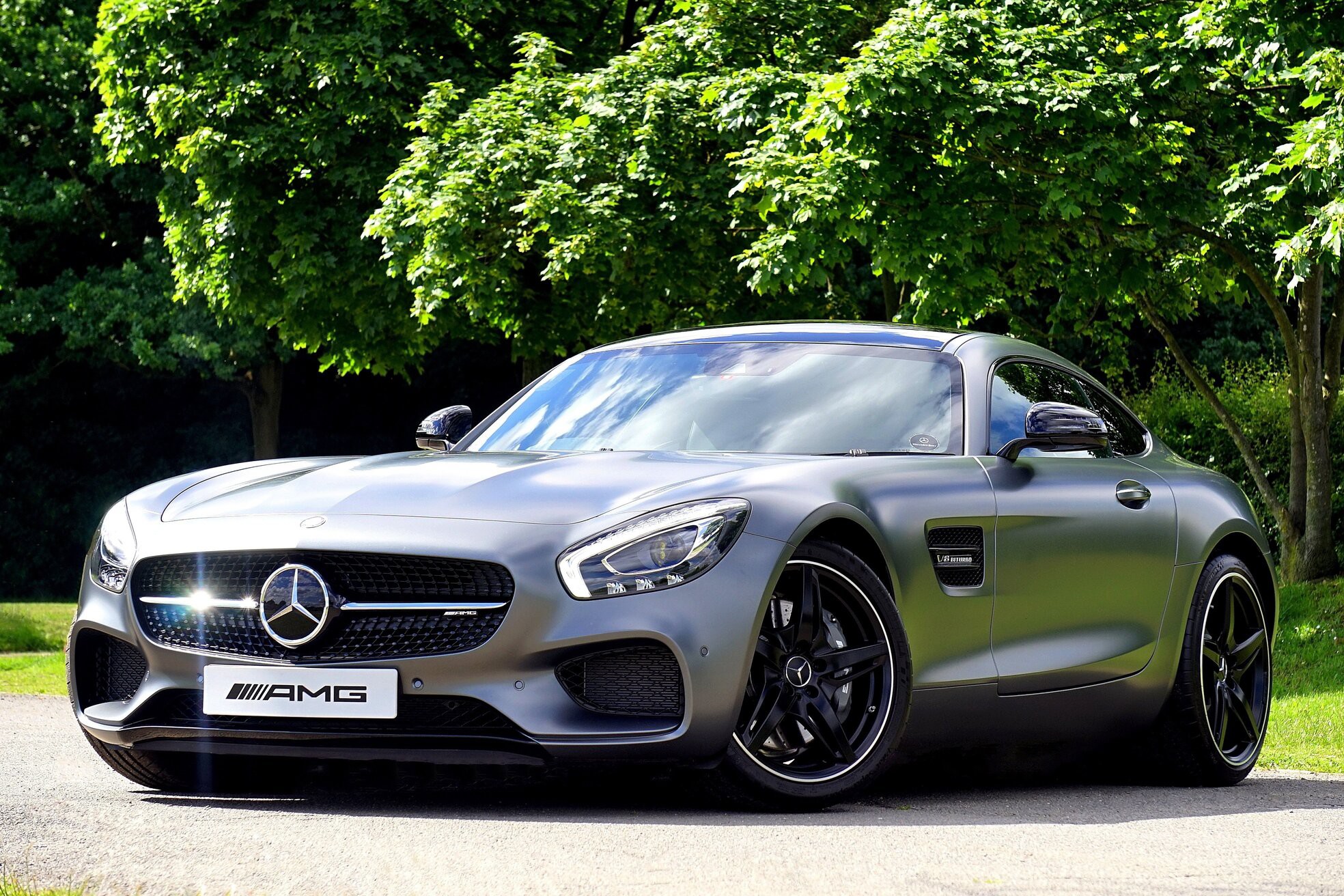
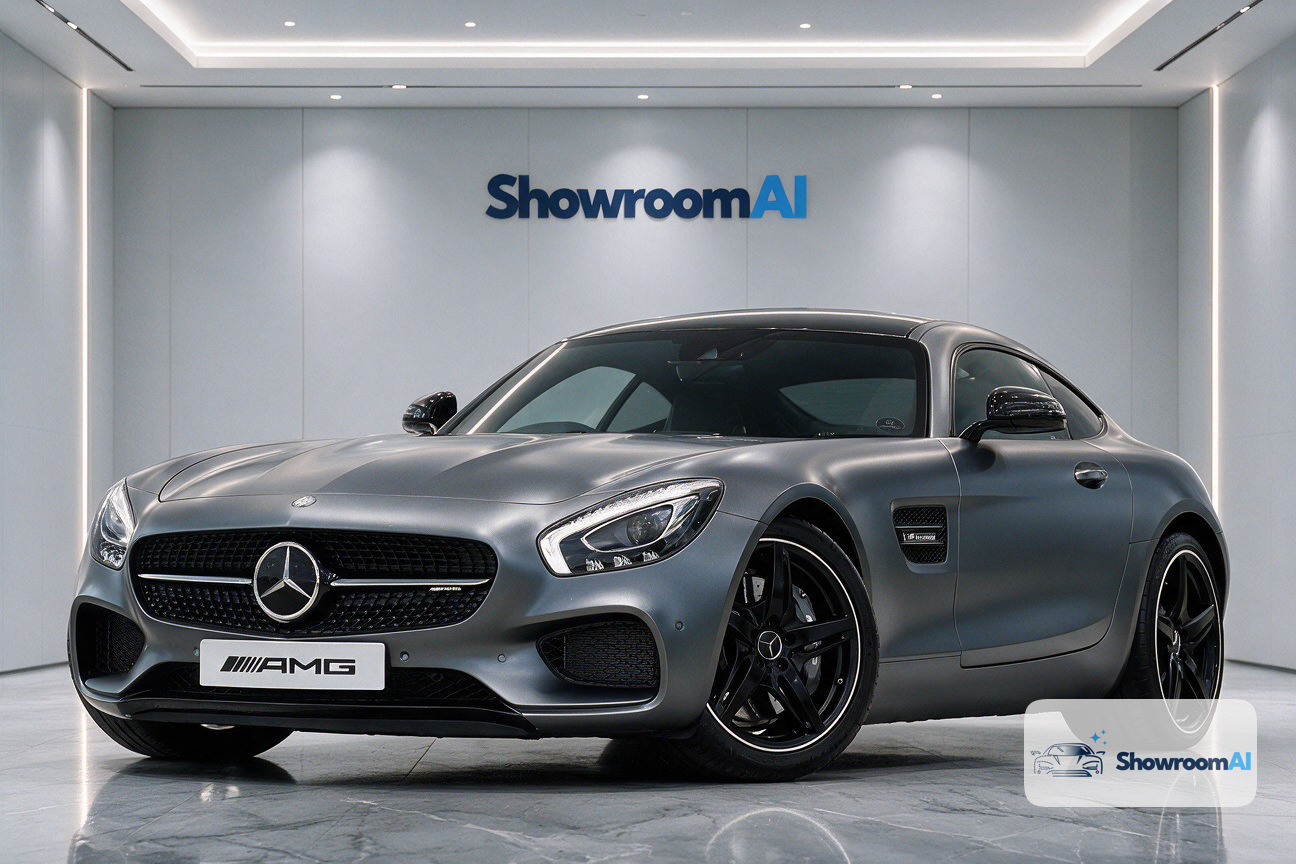
Upload your logo and drag it where you want it, or pick one of nine quick positions. Set its size and opacity, and add a soft shadow to help it stand out.
The logo is added when images are viewed or downloaded, so it appears on images you've already made too. Change it or switch it off at any time. Your original photos are never altered.
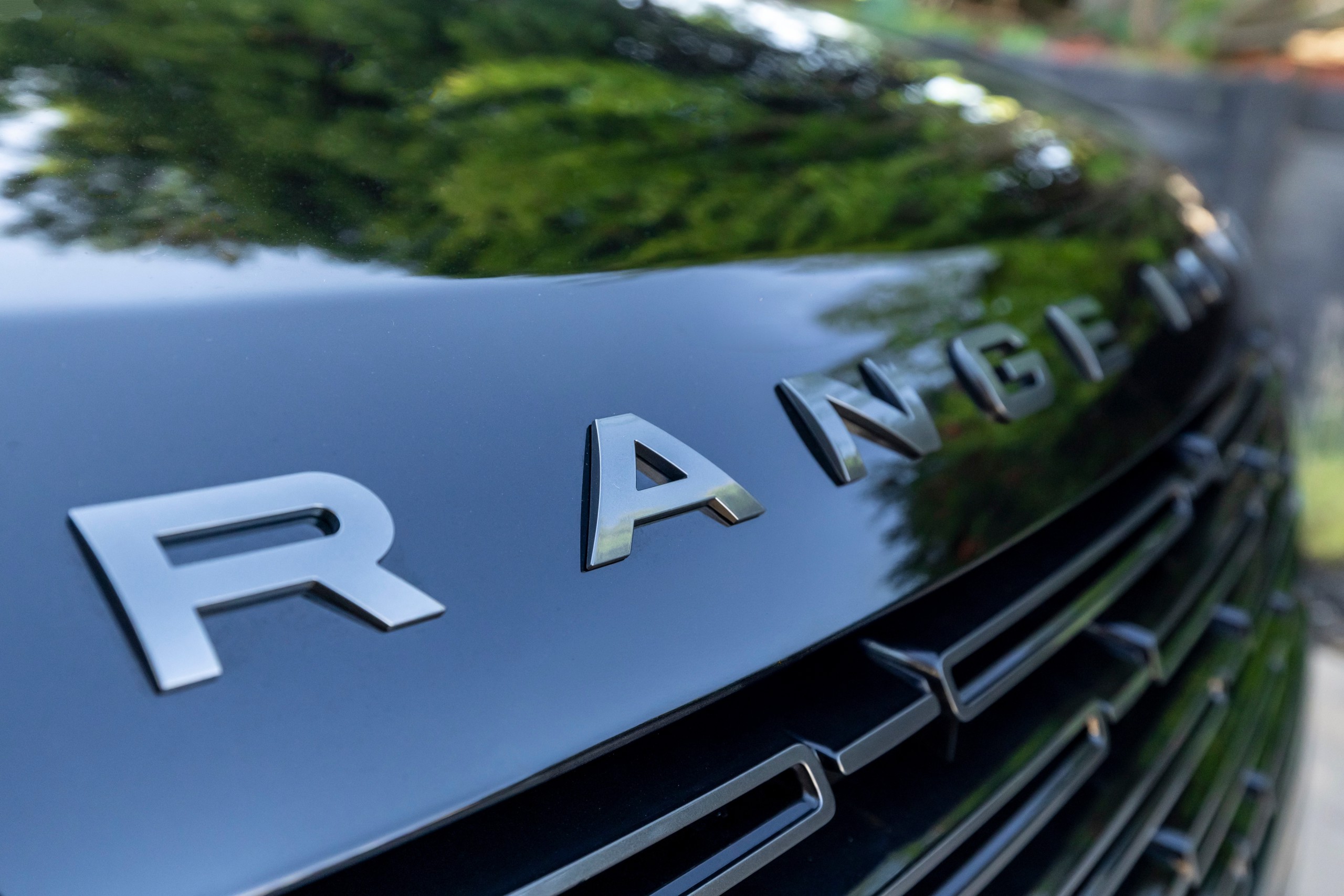
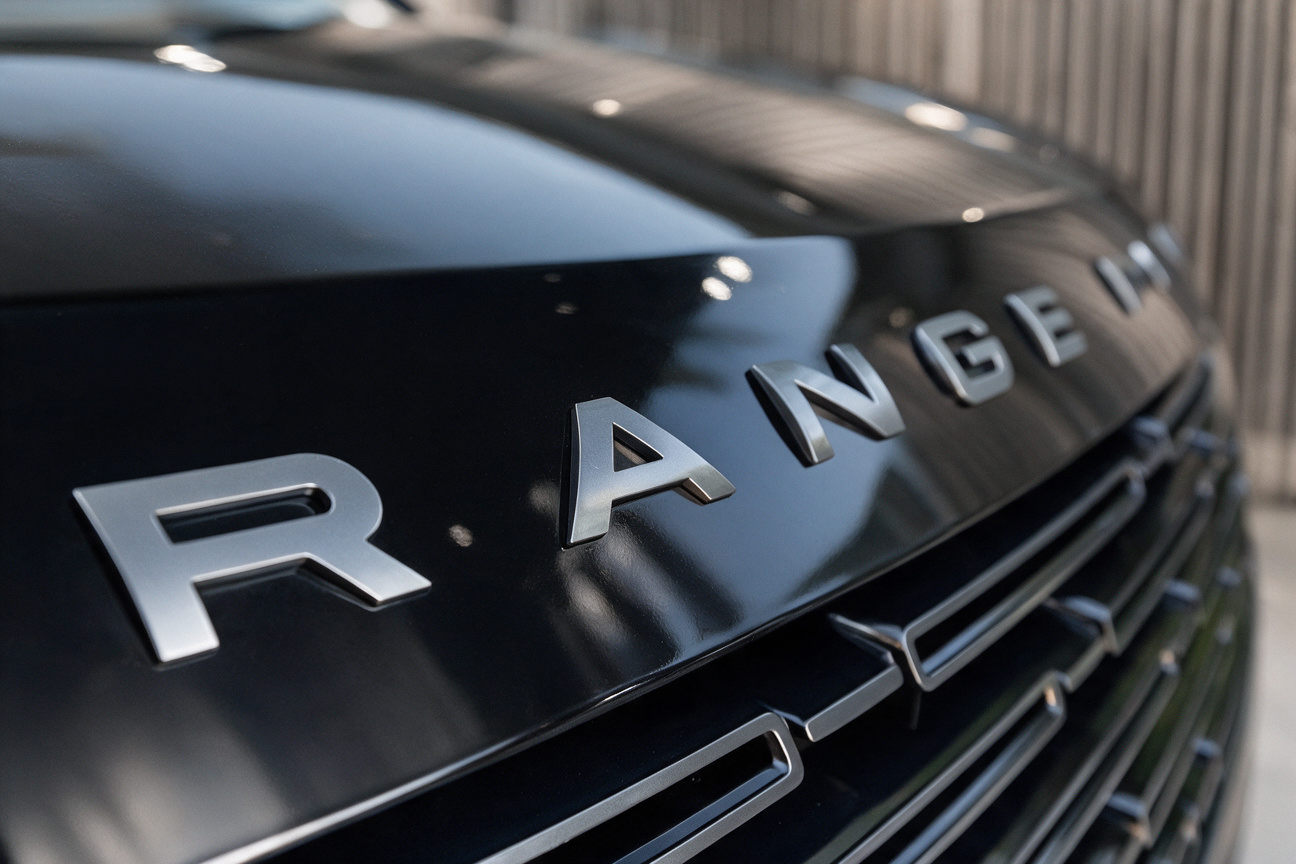
Mark each photo when you upload it, and ShowroomAI treats it the right way:
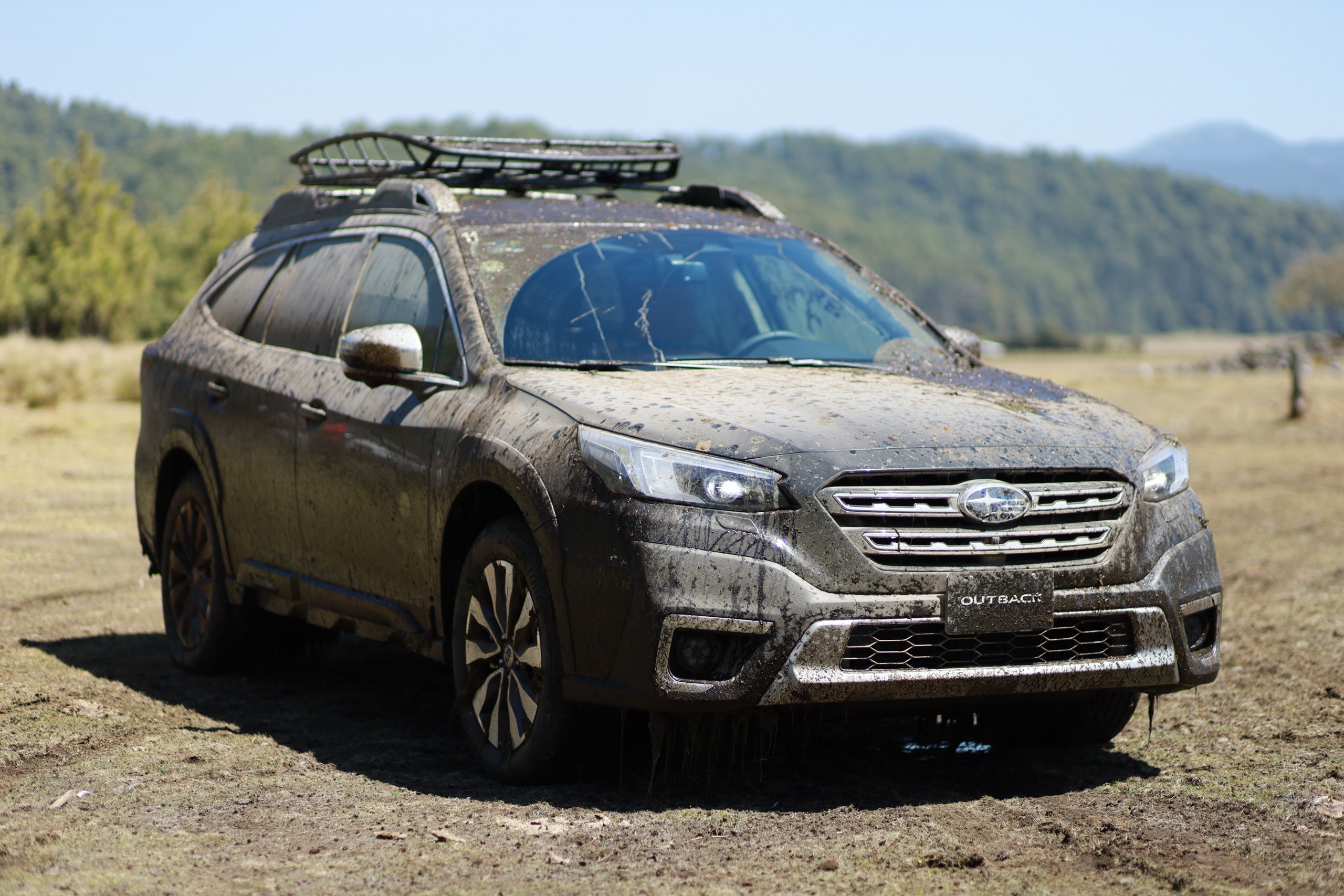
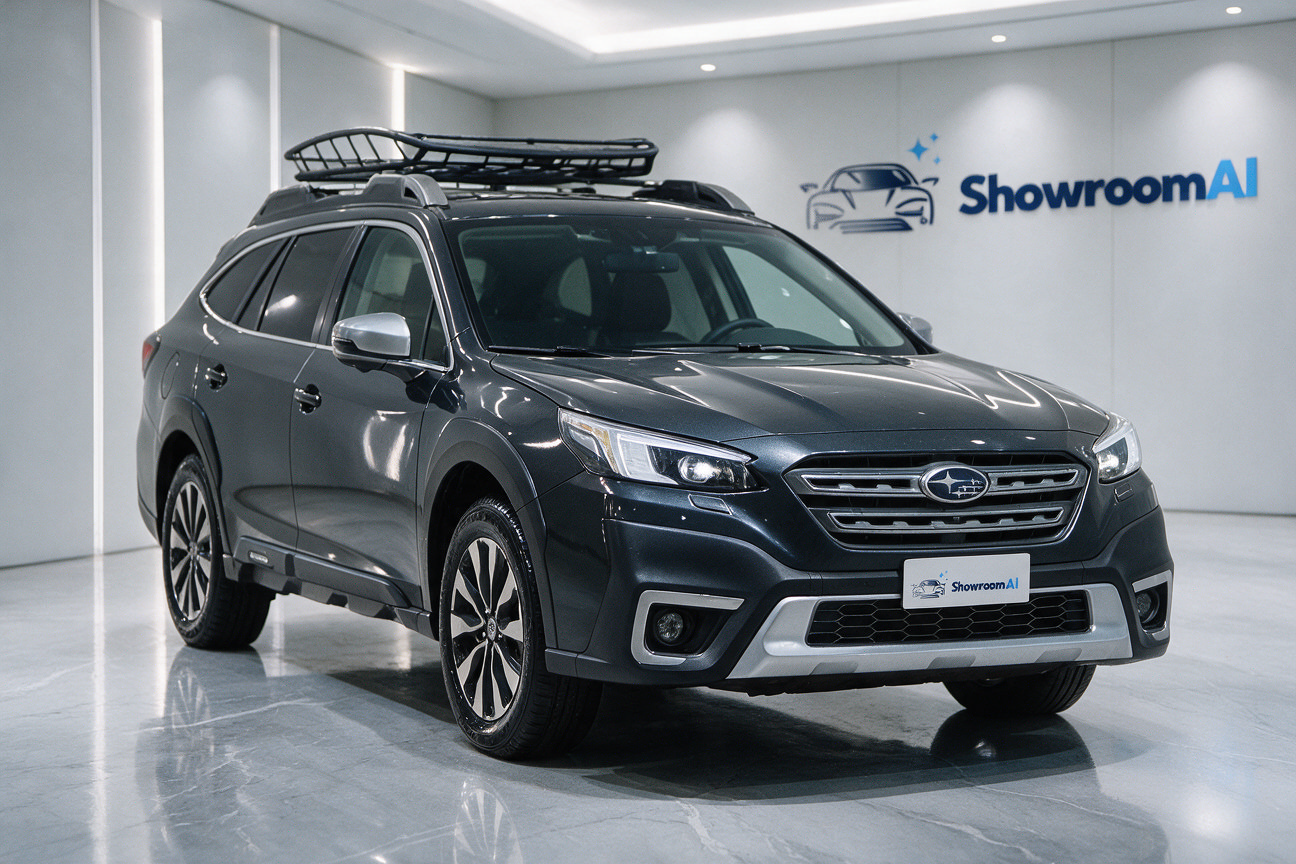
A car isn't earning until it's advertised, and there isn't always time to clean it before the photos. Tick a box and ShowroomAI gives it a full valet in the images, so it can be listed the same day.
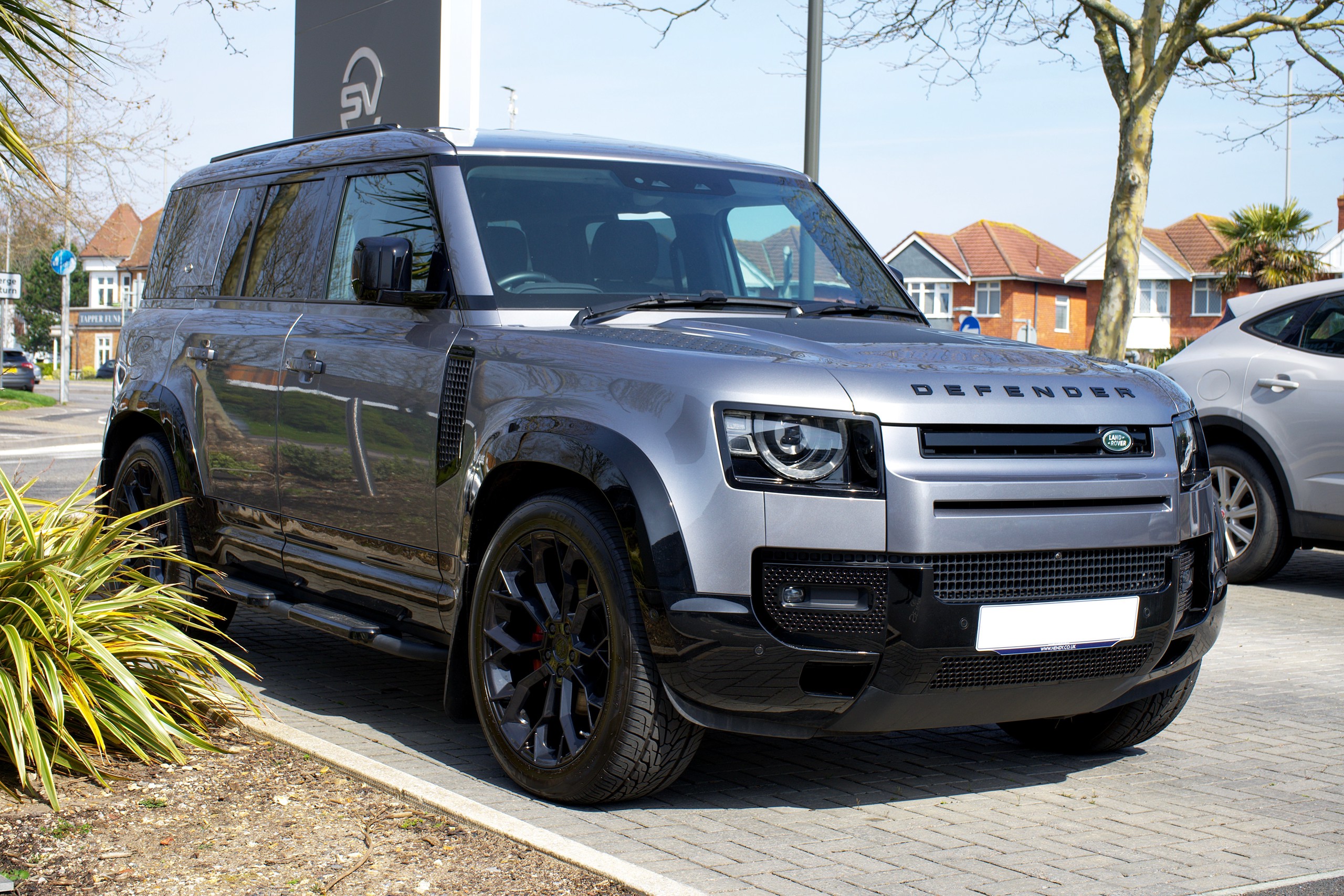
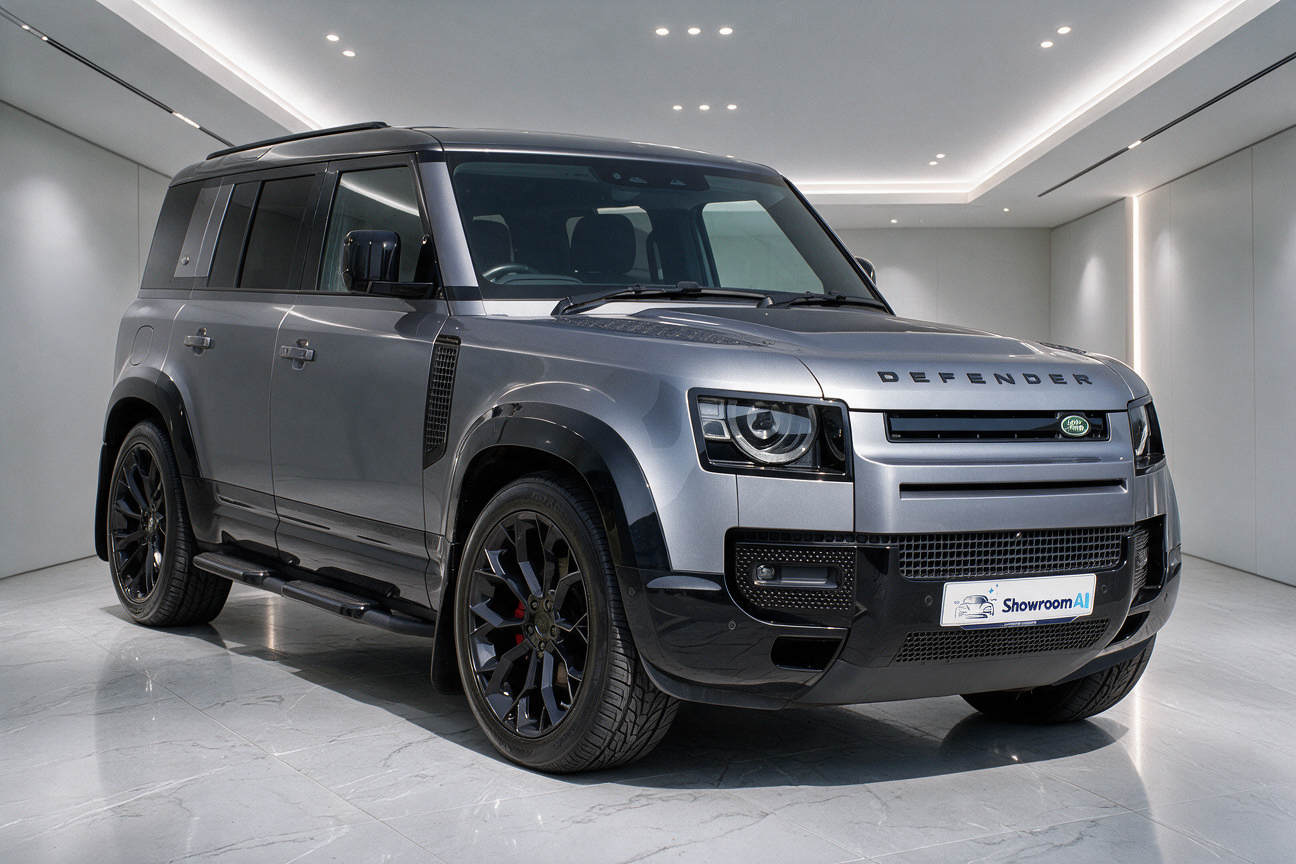
Choose the photo shape your camera takes, once, for the whole dealership. Photos already in that shape need no cropping, and any that aren't can be cropped as you add them, choosing which part to keep.
Keeping the shape the same from photo to showroom image stops the AI zooming out or inventing extra bodywork at the edges.
Add up to 50 photos at a time by drag and drop, straight from your phone or computer.
Images are queued and made one after another. Close the page and come back later.
Every vehicle and its images are kept in your library. New photos of the same registration join the same vehicle.
Download a single image or the whole set, and your original photos are always there too.
Managers invite colleagues by email and can disable logins. Everyone works from one shared pool of credits.
See what's been used this month. Top-up credits never expire.
Add instructions to a whole generation or a single photo, such as removing a sticker or showing the roof down.
Every upload is re-saved with its location (GPS) and camera details removed. Only your dealership can see your images.
Nothing to install. Use it on a desktop in the office or on a phone on the forecourt.
Send us a few photos of a car you're selling and we'll show you the results on a short call. No commitment.